Managing multiple social media accounts can feel like a full-time juggling act for marketers. Brands, agencies, businesses and even influencers often share how overwhelming it is to handle posts across multiple channels.
Constantly switching tabs, checking post views, tracking comments and responding to DMs can quickly feel like navigating a never-ending maze. In the process, it’s easy to miss important details, skip posting windows, share content at the wrong time, delay responses or even lose your most promising leads.
Sound familiar? You’re not alone and what if I say there’s a smarter way to take control of your social media!
Yes, with a social media management platform, you can say goodbye to repetitive tasks, endless tab-switching and time-consuming manual social sharing.
After thorough research and analyzing 30+ social media management tools, we have built this blog to highlight how you and your team can effectively manage multiple social media accounts from one unified workspace!
What is Social Media Management?
Social media management is the process of creating, scheduling, publishing, engaging and analyzing content across multiple social media platforms to grow brand awareness, build relationships and drive meaningful conversions.
To effectively manage this process, you need social media management tools. These tools automate content scheduling and publishing, making it easy to manage multiple social media accounts effortlessly.
The reason you need these tools is that effective social media management helps increase brand awareness, build a loyal community, generate leads and drive better conversions. This results in more impactful promotions for your business or brand. On average, a user engages with 6.83 different social media platforms per month, so the odds are in your favor if you are involved in social media marketing.
Hence, it’s high time you start using social media management tools!
What Is a Social Media Management Tool and How Does It Work?
If you are wondering how a social media management tool works!.
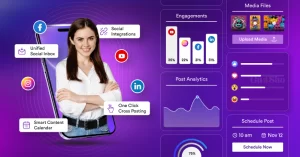
Just imagine managing all accounts in one dashboard. This includes a professional built-in editor. An integrated visual content calendar that connects all accounts. One unified chat box to streamline all your engagement from various accounts and platform-specific detailed analytics. It’s fascinating, right?
Yes! One platform. One move & Multiple tasks gets completed effortlessly!
Here’s how a social media automation tool makes it possible:
- A unified platform that connects 30+ social media profiles through instant LinkedIn, Facebook, YouTube and Instagram integrations, etc.
- Automated bulk scheduling to save hours of manual work.
- A centralized content calendar for advanced and stress-free planning.
- A unified social chatbox to respond, engage and manage conversations across all accounts in one place.
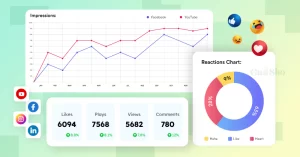
- Advanced, platform-specific analytics to monitor and track performance in real time.
- Built-in editors and content creation tools to prepare content instantly, without external help.
At this point, the question is no longer how to manage multiple social media accounts.
It’s how effectively you can do it.
And that’s exactly what we’re about to break down for you, step by step, in this blog!.
Who Needs a Social Media Scheduler to Manage Multiple Accounts?
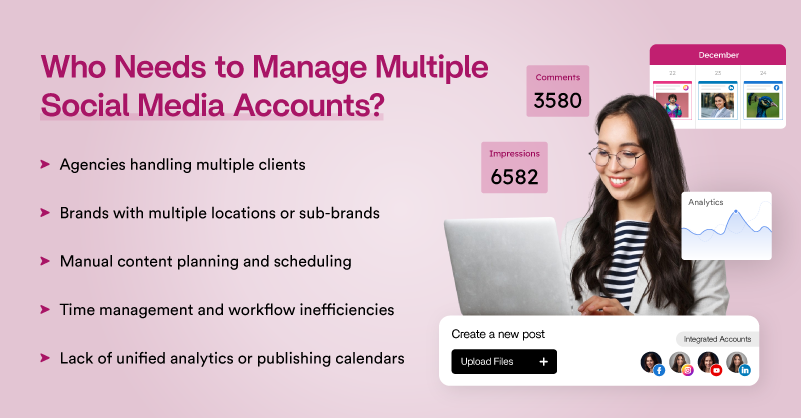
Managing multiple social media accounts is not rocket science. But who needs a social media scheduler the most? Here is a list of use cases that suggest managing multiple social accounts is mandatory.
If you belong to one of these categories, then you definitely must sign up for the best social media management software tool.
Agencies Handling Multiple Clients
If you are running a digital marketing agency and want to manage multiple social media accounts simultaneously, instead of handling a queue of accounts in separate tabs, what if you could manage them all in one place? This would definitely make time management, meeting deadlines and achieving targets much easier.
Brands with Multiple Locations or Sub-brands
As a brand, if you’re already active on social media, you may be managing multiple accounts, even on the same platform, for different locations or sub-brands. To manage every account efficiently from one place, you need to consider a social media publishing tool that can handle everything effectively for you.
Manual Content Planning and Scheduling
If you’re part of a social media marketing team and find yourself repeatedly planning and scheduling content manually, it’s high time you switch to a social media management tool. It can reduce manual effort by up to 20× and significantly ease your day-to-day workload.
Time Management and Workflow Inefficiencies
If you have a lot on your desk when it comes to social media management and are finding it hard to manage everything simultaneously, you can consider using a social media management tool. With it, you don’t have to rely on external members, teams or outsourcing.
Lack of Unified Analytics or Publishing Calendars
If you’re not sure how to use the built-in social media analytics on a specific platform or find them too complex or if you struggle with publishing multiple posts or scheduling them in advance. In that scenario, you need a social media management tool for effective social media management.
How Can You Effectively Manage Multiple Social Media Accounts?
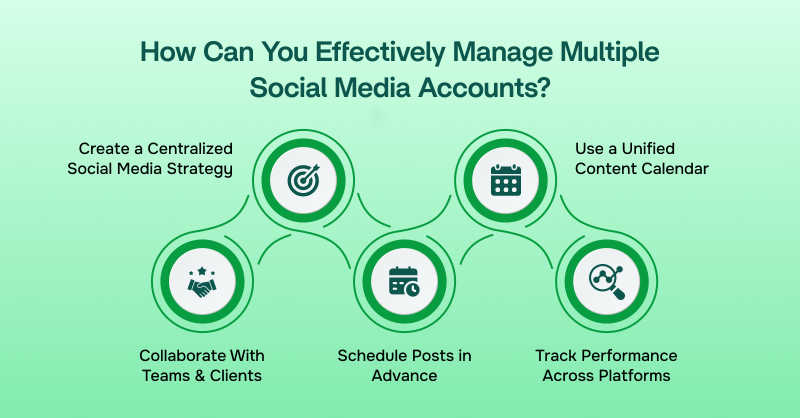
There is always an easier yet more impactful way to solve a problem. If you’re looking for a solution to manage and process multiple social media accounts in one place, here’s how you can do it effectively.
Here is a list of must-have features that can make managing multiple social media accounts a cakewalk.
Note: Look for a social media management tool that offers a unified dashboard, covering everything from automated bulk scheduling to identifying the best time to post on social media. This will help you increase your productivity up to 10x in a smarter way.
Create a Centralized Social Media Strategy
To streamline your social media management and manage multiple accounts effectively, you need a solid social media marketing strategy. Set platform-specific goals to align your objectives with your target audience, platform demographics, algorithm updates, and user expectations.
Audience demographics differ from one platform to another, so plan your objectives and strategy for your business accordingly.
Use a Unified Content Calendar
One of the best ways to manage multiple social media accounts from one place is by scheduling your posts using a unified content calendar.
You can plan and publish content across multiple platforms up to one month in advance. Manage everything in one place so you don’t miss important details or your ideal posting window on any social channel.
Schedule Posts in Advance
If you want to manage multiple posts in one place, schedule your content in advance across multiple social channels without having to switch between tabs or accounts every time. Some of the best social media schedulers help you post ahead of time, reducing a major portion of the workload. This makes it one of the most important steps you should never ignore.
Track Performance Across Platforms
Did you know that you can track content performance across multiple accounts in one place? Many best social media management tools allow you to monitor analytics and measure social media metrics for each platform through automated performance tracking. This helps you understand what worked and what didn’t, enabling you to optimize your strategy more effectively.
Collaborate With Teams & Clients
One of the most effective ways to simplify social media scheduling is by using approval workflows. This helps automate social media handling without the constant worry of waiting for team or client approvals. With just a click, you can pass your content through a structured approval process.
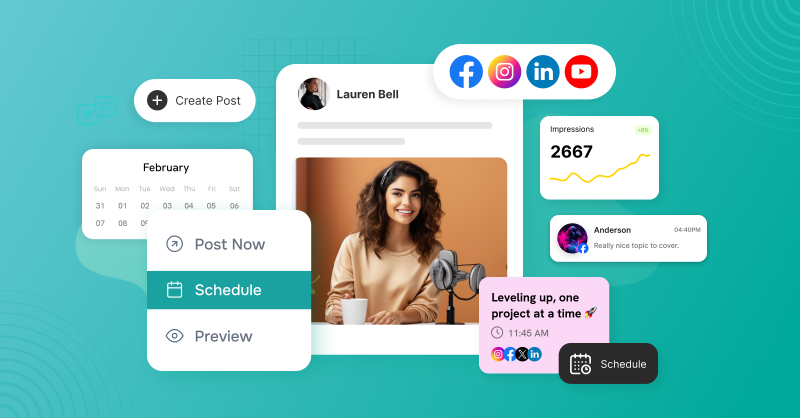
Best Tool to Manage Multiple Social Media Accounts!
Whether you’re a beginner or an advanced marketer, you need insights into the top social media management tools trending in the digital marketing space.
Here is a List of the Top 4 Social Media Automation Tools in 2026!
1. GudSho Social
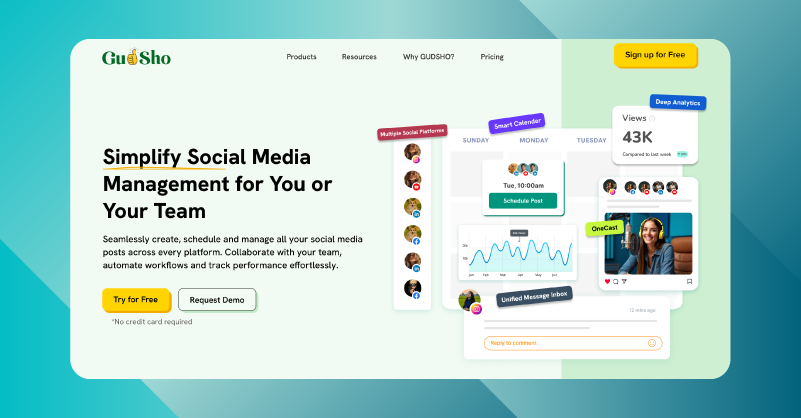
GudSho Social is a stress-free social media management platform that lets you seamlessly manage multiple platforms with ease. If you are looking for a platform that allows you to plan, schedule, publish and track performance across various channels at once, you can sign in to GudSho Social without a second thought.
You can automate cross-platform posting with bulk scheduling, captions, hashtags and CTAs on major channels like Facebook, Instagram, LinkedIn and YouTube etc. Just hit Post Now or Schedule for Later to reach your audience’s feed during the best time for maximum reach all from a centralized calendar.
Even if you don’t have social-ready content, you can create and edit posts using the built-in editor and then bulk schedule content effortlessly from one place without switching tools.
Engage with your audience in real-time or anytime across multiple social media platforms from a unified dashboard instead of spending hours switching between the DMs of various accounts. This way, you can focus on optimizing your strategy to maximize visibility across channels.
2. Buffer
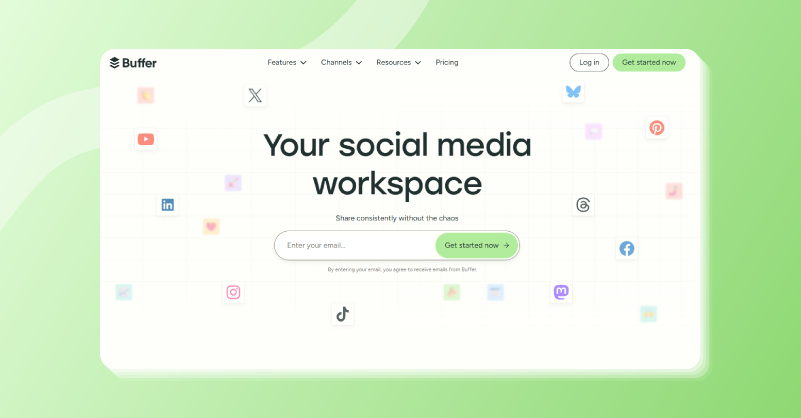
Buffer is a leading social media workspace that lets you consistently post across various social channels from one place. You can turn ideas into posts, organize content, schedule them across channels and manage post approvals across teams without missing any details.
Buffer also lets you engage with your audience through the community inbox, prioritizing messages on time to nurture leads effortlessly.
The platform offers social media scheduling, auto-publishing and advanced analytics, helping you fuel your social media success with everything you need to level up your workflow. It also provides access to popular marketing tool integrations, a hashtag manager, and automated first-comment scheduling to effortlessly grow followers across channels like never before.
3. Zoho Social
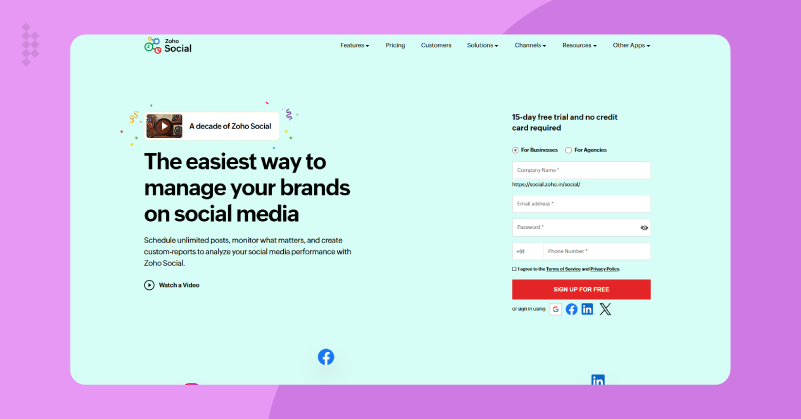
Zoho Social gives you the easiest way to manage brands and businesses across various social media channels. You can schedule unlimited posts, track analytics and create custom reports to analyze and discuss your content performance across multiple platforms.
The platform lets you stay active when your audience is online by helping you schedule posts on time with best-time predictions or through a custom publishing schedule. Visualize and organize your social media across channels from one intuitive calendar, from which you can bulk schedule and automate posts to keep your audience engaged. Also, track audience behavior and performance using industry-standard analytics to optimize your social strategy for every next move.
If you are running an agency, you can manage social media for all your clients from a single, unified platform without needing separate setups or spending hours of your valuable time.
4. Sprout Social
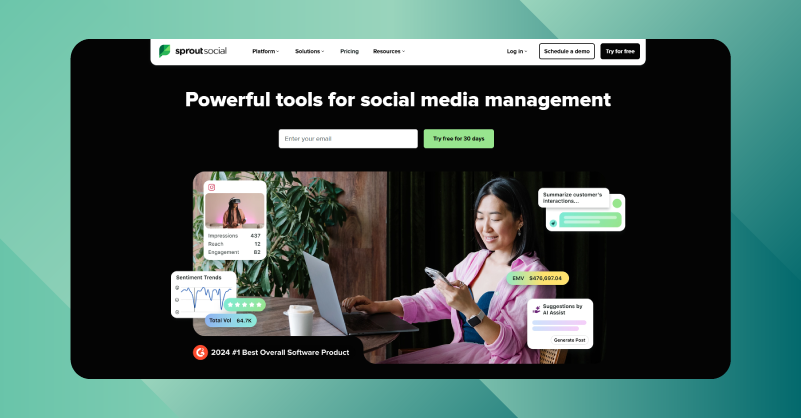
Sprout Social helps you power up your social media strategy with smart tools that make it easy to plan and schedule content while simplifying workflows and collaboration across teams. With Sprout Social, you can launch, manage and scale campaigns of any size using its built-in automation tools.
It also allows you to automate responses to deliver fast, consistent and high-quality engagement across multiple channels from a single social media inbox management. You can analyze performance, uncover real-time trends and gain actionable insights into content reach to drive business growth and stay ahead of competitors.
You can also integrate with your marketing tools to ensure brand alignment and campaign success, while keeping your entire social media management under control and improving team efficiency and satisfaction.
How to Choose the Right Social Media Management Tool to Manage Multiple Social Accounts?
Managing multiple social media accounts requires more than just basic scheduling. The social media platform you choose should align with your daily workflow, content demands, performance goals and team management needs.
Review the following scenarios to better understand how to choose the right tool that suits you from the start:
- The platform you choose should support bulk scheduling, automated publishing, unified engagement and platform-specific analytics that fit your existing budget and business goals.
- Check whether it has a built-in media library that allows you to upload, manage, organize and share social media assets from one place, so you do not need an external source or additional storage device.
- Growing your social media brand requires a platform that can manage multiple accounts while keeping up with the increasing size of your business, expanding audiences and growing demands.
- It must be adaptable for teams, agencies and SMBs without requiring additional bandwidth or creating inefficiencies and inconsistent messaging.
It must be an all-in-one platform that ensures approval workflows, team collaboration and long-term efficiency without the disruption of switching systems down the road.
Manage Multiple Social Media Accounts with Ease!
We hope this blog covers the necessary steps for those who doubt about, “Can I manage multiple Instagram accounts from one tool?”
Switching to a social media automation tool, helps you spend more time building effective social media strategies more easily and effectively.
Instead of handling everything manually, adopt a smarter approach that allows you to manage multiple social media accounts from one place. Start by identifying which platform works best for you and focus on strategies that drive results.
FAQs about Managing Social Media Accounts for Clients
1. How can I manage multiple social media accounts effectively?
GudSho Social helps you manage multiple social media accounts effectively by using a centralized dashboard, social media calendar and automated publishing tools.
2. How can agencies manage multiple client social media accounts productively?
Agencies, teams and SMBs can manage 30+ social media client accounts productively with team approvals, cross-posting, bulk scheduling and platform-specific analytics reporting.
3. How do I schedule posts for multiple social media accounts at once?
You can bulk schedule social media posts for 8+ social media channels from one centralized content calendar, like GudSho Social, Hootsuite or Buffer.
4. What social media management tools are best for managing multiple accounts?
Some social media management tools, such as GudSho Social, Hootsuite and SocialPilot, help you automate social media posting and scheduling across popular social channels from one place.
5. How do I coordinate multiple social media accounts for marketing campaigns in one place?
You can integrate your social media channels like Instagram, Facebook, YouTube, LinkedIn, X, TikTok and more to coordinate campaigns, schedule posts and auto-publish across various channels seamlessly without switching accounts.
6. How can I collaborate with my marketing team on multiple social accounts efficiently?
You can collaborate with your marketing team by assigning roles and managing team approvals through a streamlined workflow that makes internal discussions stress-free and automated.
 Srinivasan is a Digital Marketer and Blogger with a passion for video marketing solutions and video hosting platforms. He is committed to sharing the latest tech trends, social media management tools ideas and enjoys discussing new technologies, along with helpful tips and tricks. An avid reader, He loves to share his insights with others.