Trying to manage multiple platforms, formats and clients without social media marketing tools is like editing a movie on a calculator. With more channels to manage, you spend more time copy-pasting captions, downloading reports and manually tracking performance. So, when you use modern automation it does not replace creativity, but protects it. Scheduling, reporting and repetitive tasks are taken care of by the right social media management platforms so you can focus on strategy, storytelling and results.
In this post, you will find the best social media marketing tools to automate your posting, track ROI and generate content ideas in a few clicks. So, if you run a solo brand, work with social media management companies or manage social media for agencies, these tools are sure to make your job easier and less chaotic.
What Are Social Media Marketing Tools?
Social Media Marketing Tools are basically a set of apps and platforms to ease your entire social media process. They are designed to let you create visuals & captions, track your competitors, post at the right time, stay updated on trends, automate and monitor your content across networks like Instagram, Facebook, LinkedIn, TikTok, and YouTube without any effort, saving you hours of manual work.
Each tool helps to make various tasks easy, such as social media scheduling, caption generation, hashtag finding, editing and more. The right set of tools can automate your entire social media management and creation process in just minutes.
Why Do You Need Social Media Tools Anyway?
Let’s say that you are someone who posts occasionally, then the social media tools are “nice to have”. But if you are managing multiple profiles, brands and clients, they are your must-have tools for survival. You can use social media automation tools to do things like:
- Plan your content in advance on a visual content calendar.
- Automatically post them on various social channels.
- Create videos and images without any editing skills.
- Generate captions and descriptions with a click.
- Track the entire engagement metrics to see what actually works.
We have mentioned some of the best free social media marketing tools that are sure to make your work easy and efficient.
10 Must-Have Social Media Marketing Tools in 2026
1. GUDSHO Social
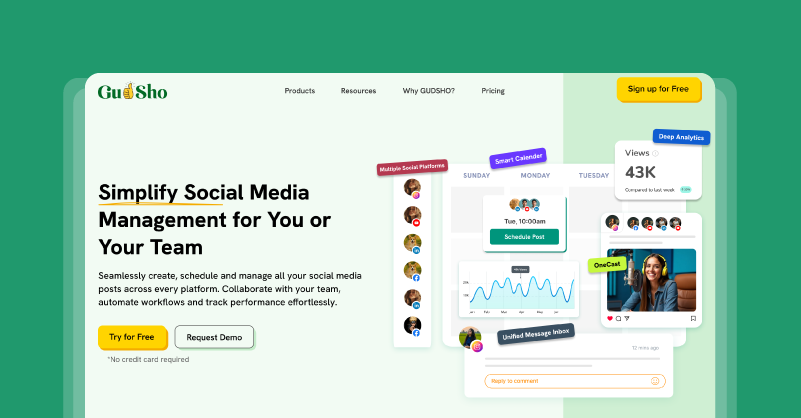
GUDSHO Social is a modern social media management platform for brands, creators and agencies who need fewer tabs and more control. So you can plan, publish, engage and analyse from a single place without bouncing between apps and switching between profiles all day long. You can easily map out 30 days of content in advance and identify gaps on its visual calendar. Also, schedule your posts across channels and monitor performance all from a single dashboard instead of posting to each network manually.
The interesting part is that you can edit your videos, add thumbnails and repurpose your content straight from the platform using its built-in video editor. GUDSHO is the perfect social media management platform to stay consistent, on-brand and data-driven without burning out.
Key Features and Uses
Visual Social Calendar
Let’s you plan your posts in advance, see all upcoming posts by day, week, or month to spot gaps, avoid overlaps and create campaigns in one view. This transforms jumbled spreadsheets into a visual social media planning system your whole team can understand in a glance.
Cross-Platform Scheduling & Auto Publishing
Using GUDSHO, you create a post once, caption it for each network, and send it out to all the platforms. This is ideal for managing multiple social media accounts for large agencies with many brands and for solo marketers who need consistency without being online all the time.
Unified Social Inbox
Instead of hopping between Instagram, Facebook, LinkedIn, and YouTube, GUDSHO puts all comments, mentions and emojis in one inbox. You can easily reply, react and prioritize conversations from one place.
Secure Media Library
Stores videos, images and other creative assets in one central video library so you or your team don’t have to search drives and chats for every post you need. This is especially helpful when you want access on the go or reuse your content for evergreen posts.
Advanced Analytics & Performance Reports
Track key metrics like impressions, reach, clicks, likes, comments and shares across all connected channels and see them in a clear dashboard. This social media analytics helps you identify high-performing and non-performing posts and later optimize them for better reach.
Multiple Profile Support
You can easily switch between multiple profiles without logging in and out every time. Calendars, inboxes, and analytics show cases each of your connected profiles clearly, so you don’t risk posting to the wrong account.
Built-in Editor
Easily cut, merge, split, add thumbnails and more without any additional editor or editing skills. You can turn your long videos into short clips for reels and shorts and resize them in a click for platform-specific fit.
2. Sprout Social
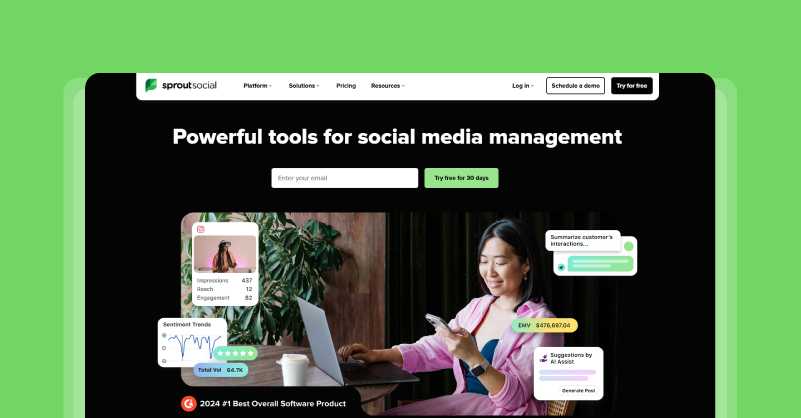
Sprout Social is specifically built for brands, agencies, and teams that need enterprise-level control over their social media. It goes beyond basic scheduling to combine social media publishing, listening, analytics and reporting in one dashboard. You can plan across channels, track conversations in real time, engage audiences from a single inbox and get detailed ROI reports for your own brand or client campaigns.
The platform supports Instagram, Facebook, LinkedIn, TikTok, YouTube and Pinterest with smart send times and AI-powered insights. What really makes Sprout Social unique is its emphasis on collaboration and customizable reports. While this isn’t the cheapest option but its depth and reliability make it an ideal choice for high-budget agencies managing a huge volume of social media accounts.
Key Features and Uses
Smart Social Inbox
Streamline messages, comments, mentions and DMs from all connected platforms in one customizable inbox. Also, you can easily prioritise and assign conversations to team members to reduce response times and maintain consistency across channels
Advanced Publishing & Scheduling
Sprout’s AI suggests the best times to post on social media channels based on your audience data. You can even bulk-schedule posts to publish at the right time to avoid manual errors or last-minute scrambles.
Social Listening and Monitoring
Track brand mentions, keywords, competitors and industry trends in real time on the web and in social media using Sprout Social’s Listening tools. This helps spot opportunities and fix performance issues early for a more competitive advantage.
Analytics and Custom Reporting
Get detailed analytics on reach, engagement, clicks, conversions and ROI in visual reports that you can export for clients or executives in a click. The custom reporting makes it easy to present your data in a client presentation without any efforts.
Team Collaboration and Workflow
Team features like message queues, task assignments, content approval and role-based permissions help you keep everyone on track. By automating the repetitive tasks your team can focus on strategy instead of admin work.
3. Bit.ly
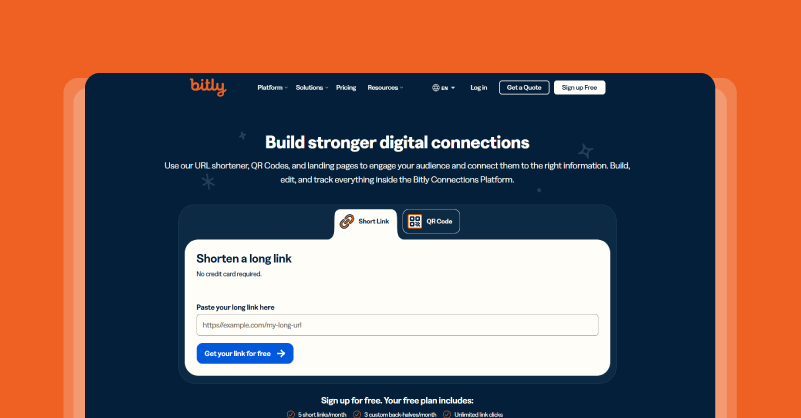
Bit.ly is an advanced link management tool that every serious marketer, tracker and optimizer needs. Rather than just URL shortening, it is known for creating short, clean links within social media character limits. That’s not all, it also provides branded short links, QR codes, custom landing pages and deep analytics on clicks, locations and devices. While tracking referral sources across social posts, emails and offline activations.
Social media management companies and marketers easily collect every “link in bio” and convert it to data on which posts drive real traffic and conversions. It works with CRMs, social media schedulers and analytics platforms. Bit.ly helps you create professional links that build trust and give you the numbers to fine-tune your strategy without the guesswork.
Key Features and Uses
Branded Short Links
You can create branded short links for social posts, bios, stories and more. These can be used to replace long URLs in Instagram and LinkedIn captions or TikTok bios and still track clicks back to specific posts or offers.
Advanced Click Analytics & Tracking
Track clicks, geographic locations and referrers for every link in real time. This lets you find out which platforms/posts get you the most traffic for future content optimization.
Dynamic QR Codes
Easily create dynamic QR codes that point to your short URLs for offline and online marketing. You can change destinations in the same QR code, making it perfect for flexible social media planning for promotions or launches.
Custom Bit.ly Pages
Build mobile-optimized landing pages with multiple links under one short URL to beat Instagram’s single-link limit . Change your logo, colors, and CTAs, then track clicks per button in Stories and bios.
Campaign Management & UTM Tracking
Organize links into campaigns for easy grouping and comparison. While UTM parameters will be added automatically for Google Analytics integration so you can attribute social traffic to posts or goals like website visits or sales.
4. LinkTree
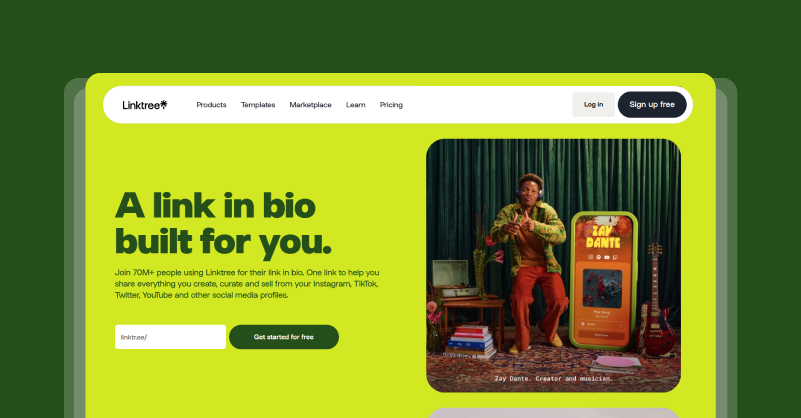
Linktree is the original and most popular link-in-bio tool that lets you bypass the limitations of single-link platforms with a fully customizable landing page and destinations. It is ideal for creators, influencers, small businesses and brand owners, as it enables you to have one clean URL for your website, shop, blog, YouTube, latest Reel or newsletter signup that fits in your bio. Linktree drives traffic without having followers hunt for links.
Its easy to use drag & drop builder and mobile-first layout means anything can be set up and updated quickly, while click tracking reveals what hits. If you want to know how to get more followers on Instagram, Linktree turns your bio into a conversion machine that drives clicks and organizes your online presence across all platforms.
Key Features and Uses
Unlimited Link Buttons
Add as many Buttons as you want such as shop, blog, lead magnet, TikTok, Spotify playlist, webinar and more. This eliminates the “one link only” on Instagram and TikTok bios and get traffic.
Customizable Themes and Branding
Build you own personal mini-site using the pre-made themes or design something completely new to match your profile. It builds trust and keeps people coming back for more.
Built-In Click Analytics
Track total clicks, clicks per link, geographic data and referral sources to see what gets you moving. You can use this to optimize your link order and place the best performers first.
Embed Feeds and Media
Feeds and media are placed strategically on your newest Instagram posts, TikTok videos or Spotify tracks so people can preview content without leaving.
Integrations and Forms
Sell products, collect emails or run giveaways from your Linktree through Shopify, Mailchimp, Google Forms or payment processors to turn passive browsers into leads.
5. Monday
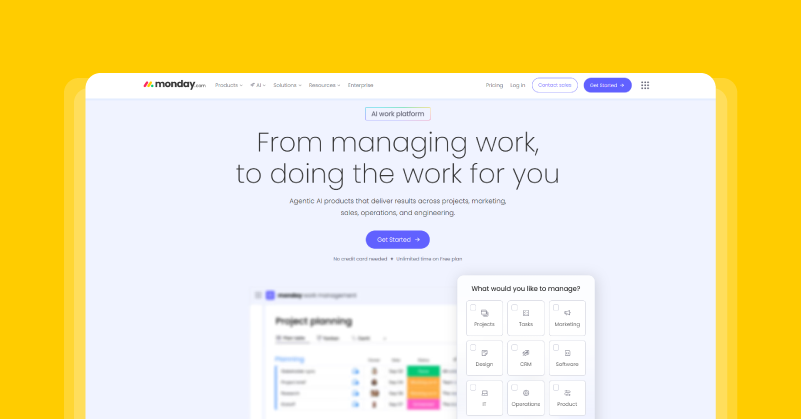
Monday is a work management system which can also be an efficient social media planning tool business for teams, agencies and brands. It’s not a dedicated social scheduler, but its customizable boards, automations and integrations allow you to manage your entire social media process from start to finish. You can create visual content calendars, assign tasks to designers and copywriters, set approval workflows and track progress in one place.
It includes templates and calendars for you to plan ahead, work without email chains and measure progress against goals. Monday might not be able to directly post your content but it can ensure you to create smooth workflow.
Key Features and Uses
Customizable Content Calendar
Allocate due dates, owners, priorities, drafts, approvals and status so nothing falls through the cracks great for social media planning between teams or clients.
Workflow Automations and Approvals
Set rules like “When copy is ready, notify designer” or “Move to approval after assets upload” with multi-step sign-off to speed up social media production, reduce agency delays and errors.
Integrations with Creative and Social Tools
All into one place for planning and execution like Canva for asset previews, Google Drive for file sharing and Slack for notifications and updates.
Collaboration and Task Assignment
Add team members, assign tasks and allow role-based permissions for clients and team members. Its dashboard clearly tells you who’s doing what.
Reports and Analytics
Get detailed view of your teammates entire work progress and track their tasks from a single user-friendly dashboard.
6. Canva
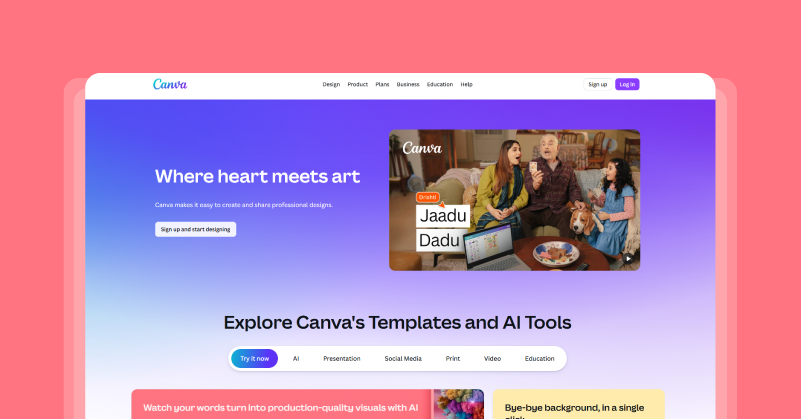
Canva is a must-have social media post creation tool for anyone who wants to create stunning images, videos, carousels, presentation and more. The tool is so easy to use that you don’t need any editing skills to create eye-catching posts. It gives you thousands of ready-made Instagram posts, Stories, Reels, YouTube thumbnails, LinkedIn carousels, TikTok graphics and more in every social media format you can think of.
Canva also stores your brand colors, fonts, and logos in a kit for each team member to use without guessing. The real-time collaboration lets several people edit at once, while AI tools like Magic Resize and Background Remover make tweaks for different channels faster. That’s not all, its social media content planning tool lets you plan weeks of posts in advance for maintaining consistency.
Key Features and Uses
Platform-Specific Templates
Thousands of ready-made designs for Instagram Stories, Facebook ads, LinkedIn banners and TikTok covers. Grab one, swap text/images and export, saving you hours on resizing.
Brand Kit for Consistency
Upload logos, colors and fonts once to apply on all designs by default. This eliminates “wrong shade of blue” mistake across client campaigns.
Real-Time Collaboration & Editing
Collaboration in real time allows for live feedback, comments and simultaneous edits in designs. You can assign tasks to designers and copywriters to avoids feedback loops.
Magic Studio AI Tools
AI removes backgrounds, resizes designs, suggests edits and generates elements from text prompts. This lets you transform a single post into Stories or Reels variants in seconds.
Content Planner & Direct Publishing
You can plan weeks of content in advance without any effort. It does provide the facility to publish directly on social media but it is not as efficient as GUDSHO and Sprout Social.
7. InVideo
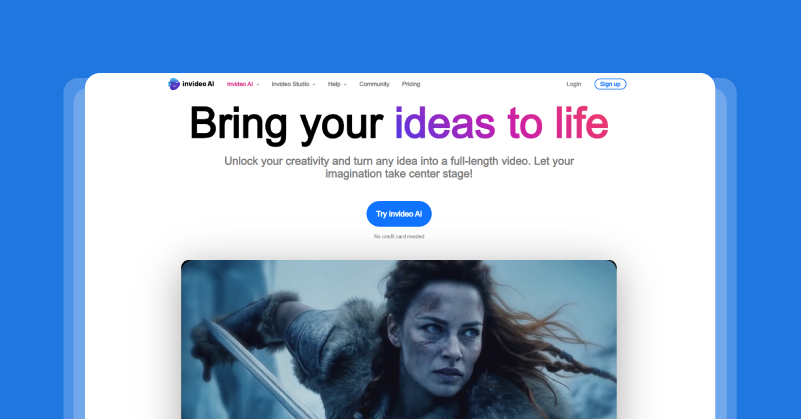
InVideo is an AI-powered video editor designed for marketers, creators and businesses who do not need any special editing skills. It is especially useful for quick productions of Instagram Reels, TikTok videos, YouTube shorts and social ads. It gives thousands of templates to choose from, a huge stock library and drag & drop tools to make editing easy. You can create videos optimized for every social channel specs.
The AI features such as text-to-video generation and auto-subtitles save hours for social media management companies when batching content and help you publish at the best Instagram reels upload time. Whether you’re making promo reels or tutorial carousels, InVideo helps non-designers create scrolling visuals that fit your social media planning workflow.
Key Features and Uses
Text-to-Video Generation
Simply type in your video idea in a prompt for example “30-second Reel on productivity tips” and it will create a full draft with script, clips, voiceover, and music.
5000+ Platform-Specific Templates
Get access to thousands of pre-designed templates for Reels, Stories, ads and shorts. Then easily swap text, colors and media in seconds, no design time needed.
Massive Stock Media Library
Create quality videos with no big budgets using its massive stock media library that offers royalty-free videos, images, music and effects.
Drag-and-Drop Editing
AI assisted timeline editor lets you trim, add transitions, text overlays and animations to create polished reels or ads in minutes.
Voiceover & Multi-Language Support
Record voiceovers and text to speech in 50 languages or accents to create videos for global audience.
8. BuzzSumo
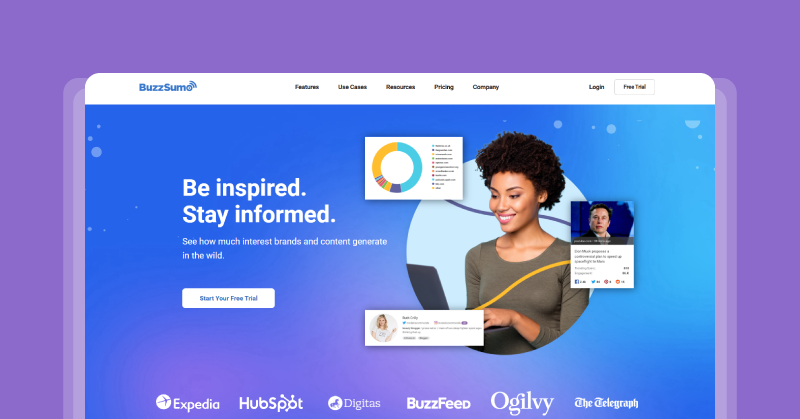
BuzzSumo is a research and social listening tool that helps marketers know before they publish what content works. It works by scanning billions of articles, posts and pages to find out which topics, headlines and formats get the most engagement on Facebook, X, LinkedIn, Instagram and Pinterest. So, social media teams can have a bird’s eye view on their niche. Top-performing posts, competitors, and trends can be seen early so you can build your social media marketing on proof and not guesswork.
BuzzSumo also tracks brand mentions, new backlinks and influencers who regularly post high-engagement content in your space. And that makes it especially useful for content strategists and social media management companies that need to plan better, not just post more. Basically, BuzzSumo turns your raw engagement data into actionable insights for increased reach, relevancy and ROI.
Key Features and Uses
Content Analyzer
Search any keyword, domain or topic and see which pieces of content got the most shares, comments or backlinks across various social channels. You can filter by date range, content type (article, video, or infographic), country, and network to find trends.
Social Media & Competitor Analysis
Track social media metrics like shares, likes, comments and saves so you can measure your content against peers and industry experts. You can also see your competitor’s domain see where there are content gaps and opportunities.
Smart Brand Monitoring
Easily find out brand mentions, product names, key executives or industry keywords on the web and social media. This helps keep client reputation, get into conversations early, and find content you might want to reshare or engage with.
Influencer & Outreach Support
Identify influencers and creators who share or create high engagement content around your topics. You see their followers count, engagement, domains they link to and topics they talk about, so you can target your outreach for collaborations.
Trend & Keyword Tracking
Track keywords, topics and domains over time for emerging trends, evergreen themes and content fatigue to optimize engagement. Its visual reports and charts show when conversations spike, which formats perform best and which networks respond best.
9. Hashtagify
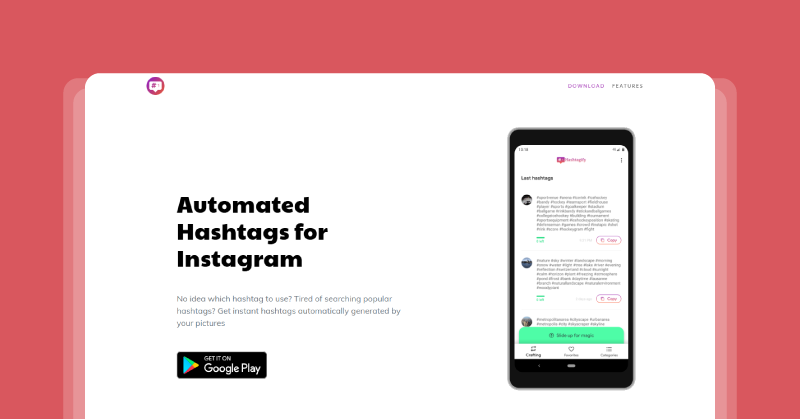
Hashtagify lets marketers find, analyze and optimize hashtags for Instagram, TikTok and more. Entering a keyword/tag reveals popularity trends, related hashtags, usage trends & engagement to help you create smarter sets that hit the right people without getting lost in overcrowded pools. It is especially useful for creators, brands and social media management companies to drive reach and discovery.
The analytics, competitor tracking and historical data make it one of the best free social media marketing tools for beginners who are scaling up. It also shows hashtag networks so you can pick complementary tags that amplify each other’s reach. When you use the right hashtag, it can boost a post by 20-50% in organic performance.
Key Features and Uses
Hashtag Popularity and Trend Tracking
Get current popularity score, usage volume and 30-day trend graph of specific hashtags you want. This lets you know if it is rising, peaking or fading before using it.
Related Hashtag Discovery and Networks
Easily get a related hashtags that compliment your primary hashtags. Doing this helps you create a set of 5 to 15 sets that complement each other for better reach.
Competitor Hashtag Analysis
Analyse your competitors to see what hashtags they are using, how it performs and adapt it to your social media posts.
Historical Data and Performance Insights
Identify past trends, engagement, seasonal spikes and all time performing evergreen contents to optimize your hashtags for consistent results.
Bulk Search and Export Tools
You can search multiple hashtags at once, compare their scores and even export them as a CSV to share to your teams. This helps to maximize reach, engagement rates and visibility.
10. Rytr

Rytr is a smart AI writing assistant for marketers, creators and businesses who need quick, high quality copy for social media, emails, blogs and ads. It creates captions, hooks, post ideas, ad variations and full outlines from scratch using advanced language models. It can also help you create platform specific content like Instagram Reels scripts and LinkedIn thought leadership in professional, casual or witty tones that fit your brand voice.
It is a budget-friendly writing tool that is essential for social media marketing. The SEO tools and plagiarism checker ensures that your copy or content is uniquely yours. Though AI helps to speed up our caption process, a human touch will help you create scroll stopping content and get more engagement.
Key Features and Uses
AI Content Generation
Create content just by typing what you want for example “Write 5 Instagram Reel captions for productivity tips” and Rytr provides you with variations that you can use right away.
Tone‑Matching and Brand Voice
You can choose from 20 + tones or enter examples of your own style. This helps in managing multiple clients and having a consistent brand voice in captions, Stories and ads.
40+ Social Copy Templates
The pre-built formula/algorithm for Instagram hooks, Twitter threads, LinkedIn posts, email subject lines and ad Copy lets you create captions instantly.
SEO and Keyword Optimization
It can suggest long tail keywords, meta descriptions and SEO scores for social captions/blogs suggested which increases your discoverability & reach.
Plagiarism Checker and Editing Suite
Easily check if your content is original and rewrite it for uniqueness using its plagiarism checker and editing suite.
Wrapping It Up
Choosing the right social media marketing tools mean less about getting everything flashy and more about building a lean stack that automates your work so you can focus on strategy. Each tool and platform that we mentioned here is specifically designed to reduce your manual work saving your hours of time. Whether you’re a freelancer, marketer, or an agencies that manages multiple client, these tools help in streamlining your entire process and save you from the chaos.
The best part is that, all of these tools work together. GUDSHO schedules posts, Canva for design, Bitly to track links, hashtagify to find relevant hashtags and BuzzSumo to identify latest trends and competitors. With this lineup, you can save hours, increase engagement and prove ROI to clients.
So, are ready to build your future-proof workflow?
 Srinivasan is a Digital Marketer and Blogger with a passion for video marketing solutions and video hosting platforms. He is committed to sharing the latest tech trends, social media management tools ideas and enjoys discussing new technologies, along with helpful tips and tricks. An avid reader, He loves to share his insights with others.