
Managing social media isn’t just about posting. It’s about strategizing, planning and perfecting content that makes your brand grow visibly high. But let’s be real, juggling multiple accounts, scheduling posts and keeping everything organized can quickly become overwhelming.
But it’s not the story anymore!. Social media automation tools can save you time, reduce manual work and make social management a breeze. We’ve handpicked the most effective tools that can get you started in minutes, without relying on a full-time social media manager. Not only can you save hours of posting time, but you can also boost efficiency with automated cross-platform scheduling and an intuitive content calendar for a seamless social media experience.
Scroll down to discover the 10 best social media automation tools that can transform your promotional efficiency by automating manual tasks like scheduling, posting and monitoring to save you hours of work.
What is Social Media Automation?
Social media automation involves using tools, platforms or software that let you plan, schedule, distribute, engage and track post performance in one unified place without having to do it manually each time. It helps you stay updated and informed with a 360° view on the performance, keeps your presence active and manages repetitive tasks with just a click of a button.
Benefits of Social Media Automation That Are Worth Knowing
Managing multiple social media accounts can slow down your team’s productivity. Not just that, it creates inconsistencies in responding to comments, limits real-time analytics and makes bulk scheduling and simultaneous publishing impossible.
But by using social media automation tools, you can streamline workflows, automate publishing, maintain a consistent brand voice and provide businesses, brands & teams with a seamless experience across multiple social channels at once.
1. Saves Time to Focus on What Really Matters
When you automate scheduling and publishing, you eliminate the exhausting process of individually scheduling posts, monitoring performance and tracking platform analytics. This can make your everyday tasks become overwhelming.
Social media automation tools offer quick account integrations, workflow approvals and built-in editors for instant content creation, allowing you to run marketing campaigns efficiently. If you can complete all of this in minutes, you can get more time to focus on social media strategy and content creativity.
Many top digital marketing agencies, brands, creators, marketers and businesses use these tools to automate campaign workflows and analytical reporting. Also, you can work on your content calendar to keep it fully packed with content across 5+ social channels for more effective management.
2. Strengthens Brand Consistency with On Time Publishing
Social media automation tools help keep your posting schedule consistent and publish them at prime times without relying on your online availability.
Create social media content in minutes and bulk-schedule posts across channels, following the best day to post on Instagram, Facebook, LinkedIn, YouTube, and more to reach audiences globally.
These tools automate social media promotions and remove the dependency on manual scheduling to make sure your posts go out on time, giving your brand and business the spotlight they deserve.
3. Makes Social Management Effortless for Businesses of All Sizes
No matter whether you have a small business, a startup or a well-established brand, you can manage hundreds of accounts across social channels through centralized calendars and collaborative workflows.
This allows you to manage multiple social accounts efficiently, saving hours of time and making social media management effortless.
4. Delivers Real-Time & Actionable Analytics on Performance
These tools automate tagging, generate hashtags and provide AI-driven insights to make social media content creation faster. The good news is that you can manage everything from a single social media dashboard, which makes it easy to track performance, measure results, monitor social listening and identify engagement successes, all far more efficiently than manual reporting ever could.
You can even review overall performance for a month, quarter or year to see what worked best and what didn’t.
Top 10 Social Media Automation Tools for Easy Social Sharing
Here are the top picks for social media automation tools that make content sharing smooth and effortless, without having to worry about scheduling, posting or engaging. Let’s see how these 10 best social media scheduling tools offer a unique and unified dashboard that automates social media posting effortlessly.
1. GudSho Social
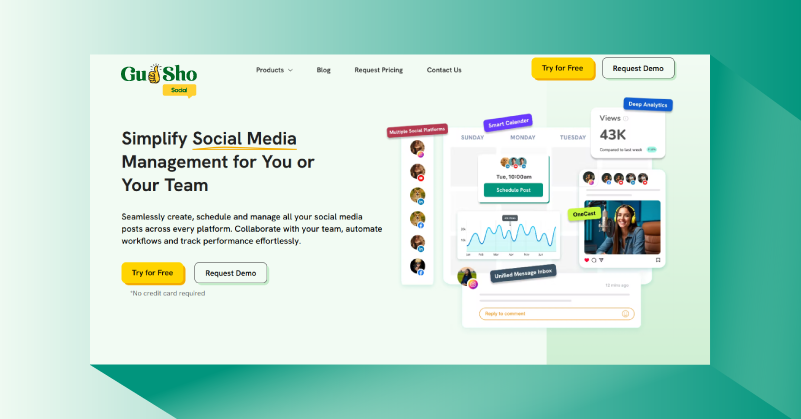
GudSho Social is a leading social media automation tool that comes with a professionally designed intuitive interface helping agencies, enterprises, business and brands to seamlessly schedule, plan, distribute and track social posts in one unified dashboard. All you have to do is sign up, log in and integrate your social profiles with top channels like Facebook, Instagram, YouTube, LinkedIn and more to automate single and bulk posting across platforms.
No prior experience is needed to use GudSho Social, as the platform offers user-friendly features that cover everything from social media scheduling, sharing to performance tracking, helping you optimize your content for better results.
Key Features of GudSho Social
- Cross-platform publishing on 5+ social platforms in autopilot mode.
- Built-in video editor to create social posts in minutes.
- Multi-format media support, including videos, images, PDFs, shorts, reels, stories etc for effective sharing.
- Comprehensive social media calendar to schedule & automate social media posts.
- Comprehensive social media calendar to automate post scheduling.
- Unified social inbox for seamless interactions in one place.
- One-stop video library to host and store videos and images for instant social sharing
- Instant thumbnail maker to boost click-through rates.
- Automated performance tracking reports on real-time impressions, likes, shares, and play rate.
- Notifications and alerts that make automated posting algorithm-friendly for various social channels.
- Preview and platform alerts for hassle-free posting across various social channels.
2. Agorapulse
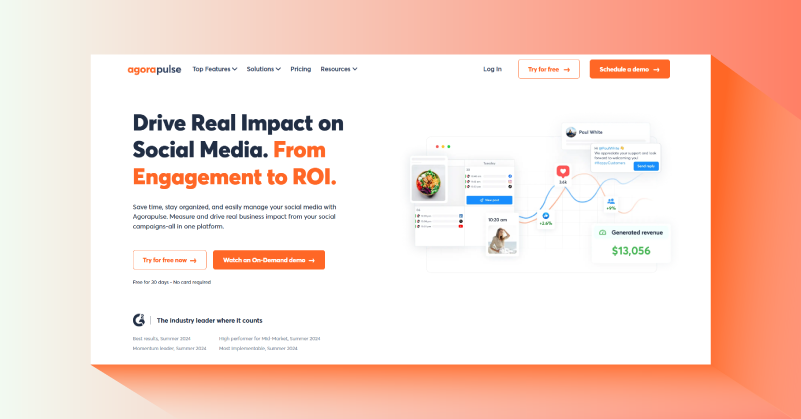
This social media automation software lets you drive real impact through automated publishing. You can auto-publish your content across major platforms like Facebook, TikTok, X, LinkedIn, and more without having to switch accounts to share content.
Easily schedule bulk posts on autopilot to overcome the challenges of multi-platform handling and management, all in one place
Agorapulse offers an automated communication workflow that allows your team to share notes, approve posts, and track action items, making social media management a streamlined process.
Key Features of Agorapulse
- AI writing assistant to automate the content creation process.
- Automate scheduling for up to 200 posts with just a single .csv file upload.
- Easy view of scheduled, published, to-approve and rejected content with your team or clients.
- Built-in editor to polish images or customize video thumbnail.
- Instant Instagram product tagging to use it on posts, reels and carousel.
3. Buffer
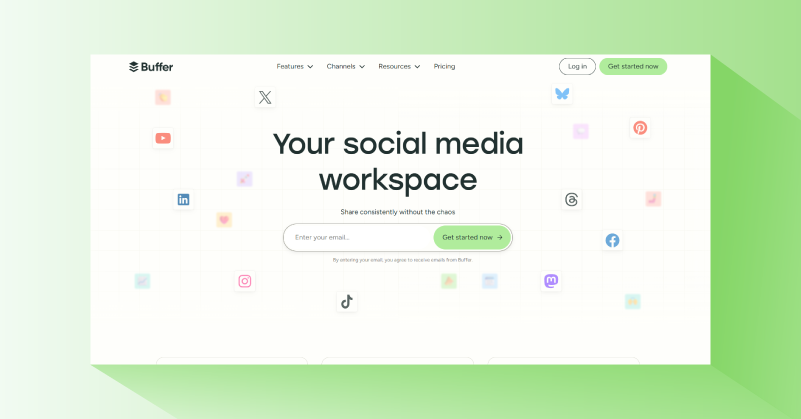
Buffer is one of the most popular social media automation tools that lets you auto-publish posts at the ideal time in just minutes. Easily integrate with top social channels like TikTok, Facebook, LinkedIn, YouTube, X and more to share posts on autopilot without manually switching accounts.
The platform simplifies social media posting with automated content workflows, an AI content creation tool, an instant idea generator and more, making social sharing faster and easier.
Instead of managing your socials with a team, you can do it on your own with Buffer’s all-inclusive automation tools, designed for businesses and brands of all sizes. Many marketers, creators and teams also compare apps like Buffer when looking for additional publishing or advanced analytics capabilities.
Key Features of Buffer
- Unlimited social post scheduling per channel.
- Engagement inbox for unified social communication across platforms.
- Advanced analytics to track social channel performance.
- Multi-admin access for team management.
- Automated first-comment scheduling on Instagram and LinkedIn.
4. Sprout Social
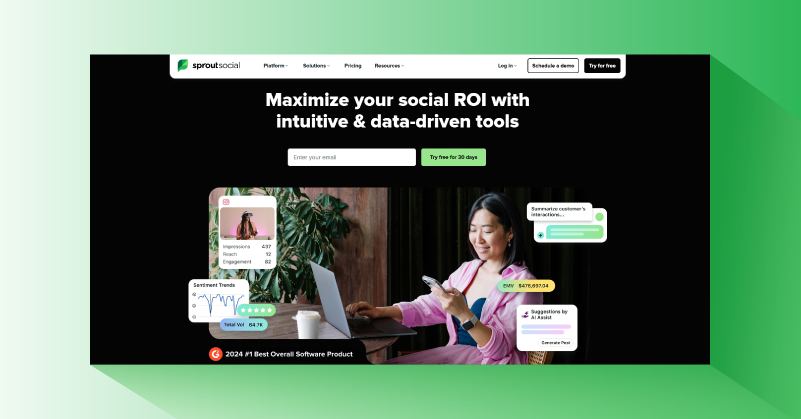
Sprout Social is a hassle-free social media automation tool that allows you to publish posts on major social media platforms with just a click. It helps you grow your brand through smarter content planning, scheduling and auto-publishing on platforms like TikTok, Instagram, LinkedIn, WhatsApp and more.
Sprout Social also automates the engagement process with an AI reply tool that speeds up communication while helping you stay aligned with your business goals and audience engagement.
Also the AI-powered influencer marketing tools that automate campaign creation based on the topics your audience engages with the most.
Key Features of Sprout Social
- Unlimited AI auto generated alt text.
- Automated optimal send time suggestions.
- Automated post review management and approval workflows.
- Unified Smart inbox reply & engagement.
- Automated AI assistant post creator.
5. Loomly
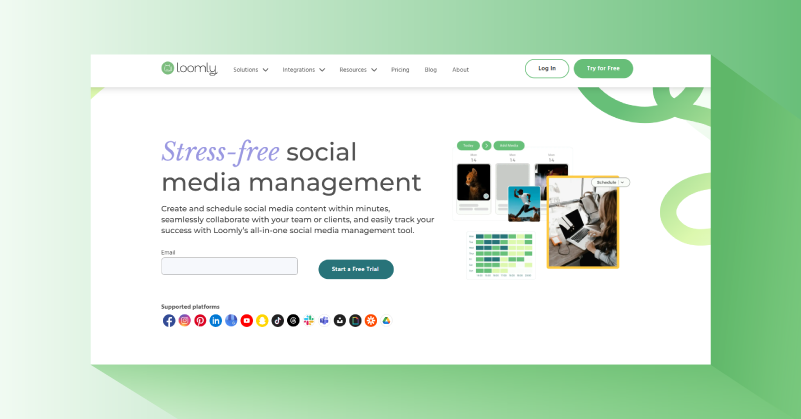
A collaborative and stress-free social media automation tool that helps you increase your followers up to 5x through automated publishing. The platform lets you easily preview, schedule and auto-post your social media content across all channels without manually switching social accounts.
You can make every post more engaging with over 5 million royalty-free photos and videos and edit them directly within the Loomly editor.
It simplifies every step of publishing with automated, customizable workflow approvals, so your posts can be reviewed and ready in minutes without any need for no in-person discussions.
Key Features of Loomly
- Automated social post planning and scheduling for 5+ social platforms.
- Holistic content calendar with fresh post ideas for holidays and festivals.
- Organize and plan social media campaigns effectively with labels.
- Import media files from Canva and Google Drive for easy social sharing.
- Auto-schedule performance reports for stakeholders.
6. Hootsuite
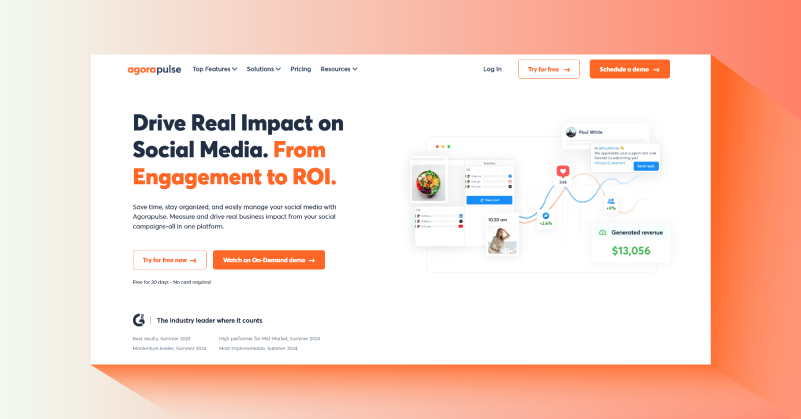
Hootsuite is one of the most widely used paid and free social media automation tools, that automates post publishing with real-time social insights. But that’s not all, the platform also automates content creation, ideation and engagement with its AI social media assistant, simplifying management right from the scratch.
Instantly generate AI captions, video scripts, creative briefs and messages to schedule professional posts without relying on a social media manager.
Hootsuite’s own OwlyGPT AI assistant further automates live social feeds, performance analysis and campaign management all in one place.
Key Features of Hootsuite
- Autopublish social content to unlimited social accounts.
- Automated bulk scheduling of up to 350 posts at once.
- Saved message replies and auto-responses for easy engagement.
- Automated team approval workflows.
- Auto-route and tag messages option for direct engagement with team members.
7. Sendible
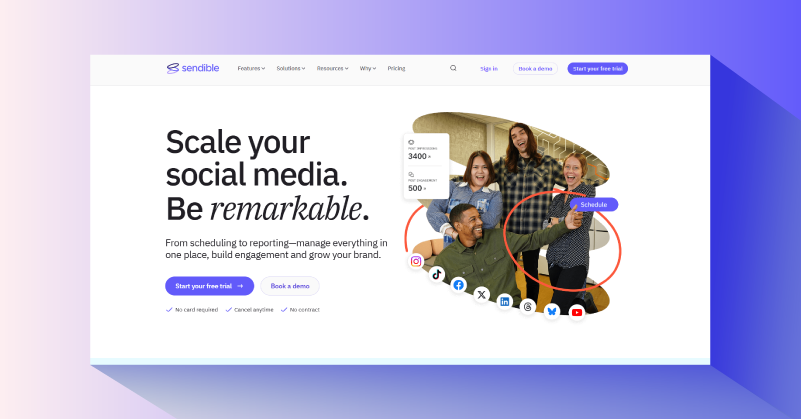
Sendible is one of the easiest-to-use social media automation tools, supporting automated scheduling, planning, approvals and content optimization across all major channels like Facebook, Instagram, X, TikTok and more.
You can streamline the content creation process with AI Assist, generating content ideas that ensure a consistent brand voice across every platform.
You can also manage your own social media management software with white labeling, helping your agency stand out as a high-performing team, managing multiple social media channels in one place. Stay on top of social media approvals with automated workflows, simplifying every campaign and management task.
Key Features of Sendible
- Automated unlimited social post scheduling.
- AI Content Assist for easy and automated content creation.
- Built-in social media content and hashtag library.
- Automated social content assignment and approval workflow.
- Live social media performance report sharing.
8. Later

Later combines social media automation and social listening into a single, easy-to-use platform. You can effortlessly schedule, publish, edit, and plan your social content across major channels like Instagram, Facebook, Snapchat, LinkedIn, YouTube, Threads and more. This tool not only automates scheduling but also helps you organize a content calendar and reach your audience at the optimal time, even when you’re offline.
Gain valuable insights with performance reports and custom analytics that track post performance, allowing you to optimize future content. This data-driven approach helps you make informed decisions, maximize engagement and increase visibility. You can identify what works best and refine your content strategy for better results.
Later’s social media automation is highly effective, featuring a seamless content approval workflow that simplifies management for creators and teams. The platform also provides captions and hashtags generator, shared media library and built-in editing tools, making content creation and management effortless.
Key Features of Later
- Built-in video editing tool for creating content ready for instant social media sharing
- Drag-and-drop visual content planner to schedule posts in advance
- Extensive media library to upload and store images or videos for easy content management
- Team approval workflow to automate and streamline the content finalization process
- Social inbox to manage engagement and interactions across all social channels in one place
9. ContentStudio
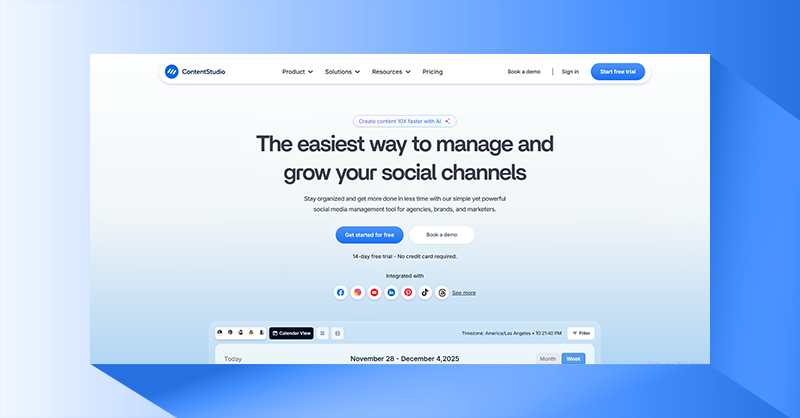
If you are looking for the easiest way to manage and grow your social channels, you can opt for ContentStudio. It automates social media scheduling, keeps things organized and helps you get more work done in less time. This tool is ideal for agencies, brands and marketers, as it focuses on collaboration and content approvals.
You can plan, create, organize and share the best content that connects with your audience in real time, especially when they are most active online. Turn your ideas into meaningful social media posts, automate scheduling and grow your brand across channels without needing any prior experience.
Even if you don’t have content ready, you can curate, edit or create posts, schedule and automate social media publishing across channels. Save time and still make an impact, all in one place and from a single dashboard without changing tabs.
Key Features of ContentStudio
- Social inbox to unify communication and engagement.
- Media assets, library and audio file storage to curate social content instantly.
- Multi-view content planner to plan and schedule social posts in advance.
- Social media and competitor analytics to track content performance.
- Team collaboration and workflow approvals to keep track of tasks and meet deadlines effortlessly.
10. Zoho Social
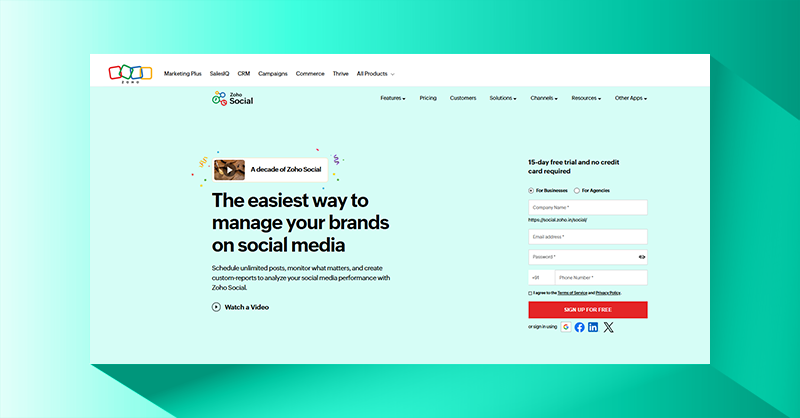
Zoho Social shows you the easiest way to manage your brand with social media automation tools that are suitable for businesses of any size. You can schedule unlimited posts, automate publishing and monitor what matters through analytics. It also helps you create custom reports to analyze what worked best for your team and what didn’t.
It’s not just about social media automation, but also the platform suggests the best times to post on Facebook, Instagram, LinkedIn, YouTube, etc, to help you get maximum visibility. Create your own publishing schedule using a comprehensive and visual content calendar to keep posts organized and published at the right time.
Discover what your audience likes by monitoring engagement in real time and analyzing what resonates the most. Track social media analytics across all integrated channels, share pre-built reports or create one from scratch to make data-driven decisions and optimize your strategy for your next move.
Key Features of ZohoSocial
- Social inbox for unified engagement and communication across multiple social channels.
- Built-in image editor to get social media posts ready in minutes.
- Custom video thumbnails to improve engagement rates and click-through rates.
- Automated and multi-channel publishing from one place.
- Content approvals and workflow management for faster decisions and on-time content posting.
Key Features to Look for in a Social Media Automation Tools
You may have come across many social media automation features so far. Here is a list of the most essential features that shouldn’t be compromised under any circumstances. Whether you are still looking for a social media automation tool or have already chosen one, make sure the tool you pick offers the following features.
1. Automated Content Scheduling & Planning
Plan, organize and automate scheduling of posts in advance to maintain a consistent posting window. Keep your social presence lively and active even when you’re not online.
2. Detailed Analytics and Reporting
Look out for platform-specific analytics to understand what’s working and what’s not. Track and measure actionable insights to optimize your strategy and improve engagement.
3. Multi-Platform Support
Check if the platform supports social media integrations that allow you to manage all your accounts from one dashboard for effortless publishing. Make sure you can publish, monitor and analyze content across platforms without switching between apps.
4. Unified Social Inbox
This is a very important feature, as it saves time, helps you prioritize efficiently, and ensures you never miss an opportunity. The social inbox feature allows you to engage with your audience by replying to comments, messages and mentions in one place without switching accounts.
5. Built-in video editor
What if you need to make last-minute tweaks or suddenly get a spark of an idea? You can’t rely on an external editing tool or a designer all the time. Create, trim, edit and optimize videos directly within the platform at studio-grade quality.
Social Media Automation to 10x Your Social Growth!
With so many social media management tools emerging, only a few truly deliver impactful results. Such tools are handpicked and highlighted as best social media automation tools, creating a lasting impression.
We hope you find the right tool that not only automates your social media management but also delivers long-lasting results, helping you achieve 10x growth in followers and page performance.
 Srinivasan is a Digital Marketer and Blogger with a passion for video marketing solutions and video hosting platforms. He is committed to sharing the latest tech trends, social media management tools ideas and enjoys discussing new technologies, along with helpful tips and tricks. An avid reader, He loves to share his insights with others.


Really appreciate the breakdown. Choosing between scheduling, analytics and content workflow tools can be confusing, but this guide makes it simple.
Really appreciate the breakdown. Choosing between scheduling, analytics, and content workflow tools can be confusing, but this guide makes it simple.
Helpful to see how each tool supports time-saving tasks. Automation definitely plays a bigger role now compared to previous years.